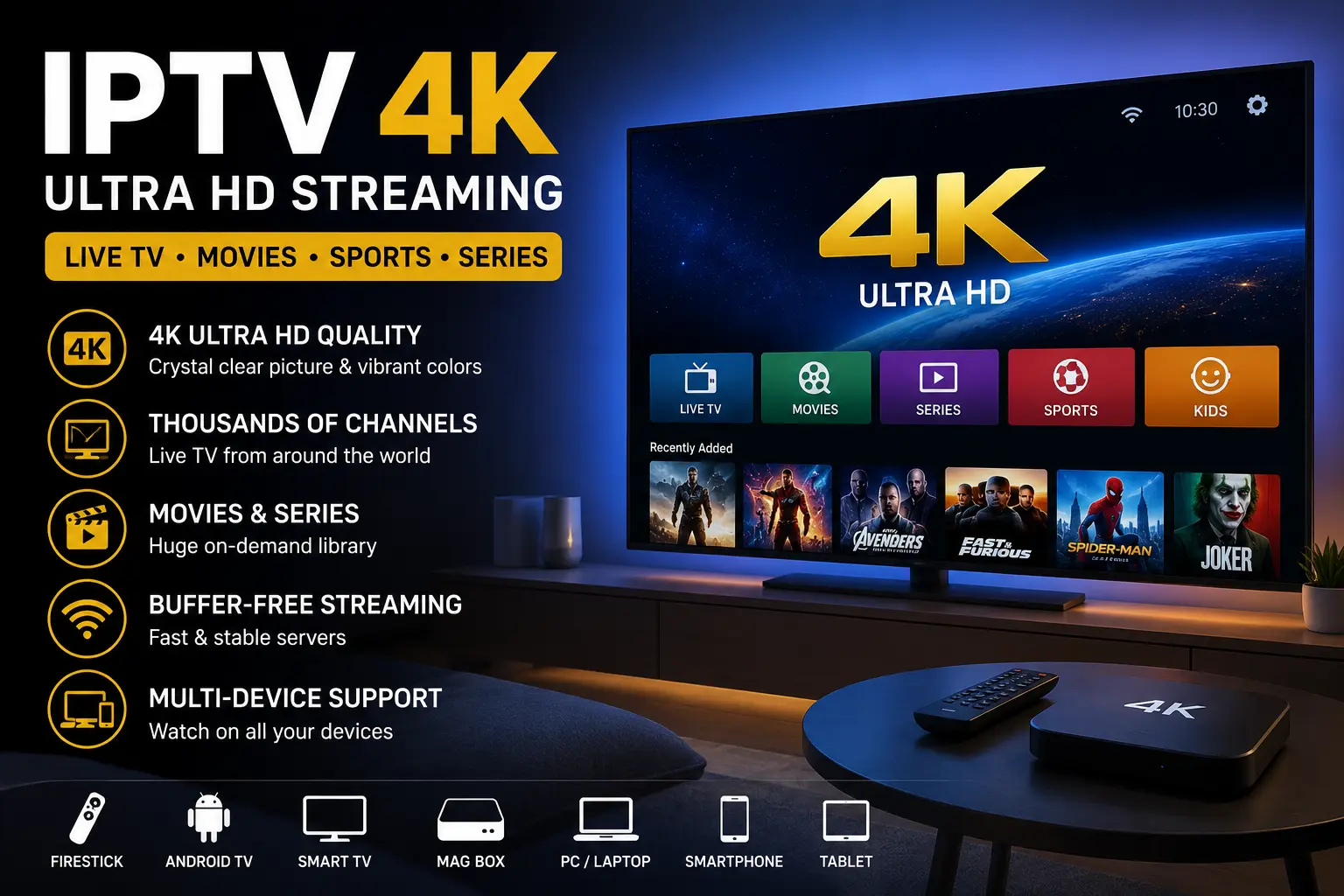
An IPTV service delivers live TV channels and on-demand video over an internet connection instead of cable, satellite, or an antenna. You stream the content through an app on a device like a Fire TV Stick, smart TV, phone, or computer. A good provider is stable, well-supported, and properly licensed for your region.
What is an IPTV service?
An IPTV service is a provider that sends television over Internet Protocol — the same network technology that carries the rest of the internet. Instead of a broadcast signal, each channel arrives as a video stream your app requests on demand.
“IPTV” stands for Internet Protocol Television. In practice, the term covers everything from large licensed platforms to small reseller packages, so the quality and legality of one provider can be very different from the next. You can read the technical background on the underlying IPTV technology for a neutral overview.
How does an IPTV service work?
It works by storing or relaying video on servers, then streaming the channel you select to your device in real time over your internet connection. Nothing is broadcast to everyone at once — your app pulls only the stream you ask for.
The typical chain looks like this:
- The source. The provider acquires or licenses the channels and encodes them for streaming.
- The server. Streams are hosted on the provider’s servers and organised into a channel list.
- The playlist. You receive an M3U playlist URL or login that tells your app where the channels are.
- The app. A player such as TiviMate, Smart IPTV, or IPTV Smarters loads the playlist and the EPG (the on-screen TV guide).
- The screen. You pick a channel and the app streams it to your device.
What types of providers are there?
IPTV providers fall into a few broad categories, and the differences matter for both reliability and legality. The table below summarises the main types.
| Type | What it is | Reliability | Notes |
|---|---|---|---|
| Major licensed platforms | Large brands streaming their own licensed content | High | Clearly legal, but limited catalogues per app |
| Licensed subscription providers | Paid services with rights to the channels they carry | High | The safe choice when licensing is verifiable |
| Free public playlists | Open M3U lists of free-to-air or community channels | Low to medium | Legal when the channels are genuinely free-to-air; links break often |
| Unverified reseller packages | Cheap “all channels” packages with unclear rights | Variable | Often redistribute paid channels without a licence — avoid |
The most important distinction is not free versus paid — it is licensed versus unlicensed. A licensed provider has the legal right to stream its channels; an unlicensed one does not, regardless of price. A reputable service is usually upfront about the channels it carries, so a clear, published channel list is a good sign you are dealing with an organised provider rather than a fly-by-night reseller.
How is an IPTV service different from cable and streaming apps?
An IPTV service delivers TV over your internet connection, so it sits somewhere between traditional cable and apps like Netflix. The quick comparison below shows where each option fits.
- vs. cable or satellite: no dish, aerial, or fixed box — you stream over the internet and can watch on more devices, often for less per month.
- vs. on-demand apps (Netflix, Disney+): an IPTV service leans toward live channels and sport, where those apps focus on their own on-demand catalogues.
- vs. free TV apps: a paid, licensed IPTV service usually offers more channels and a proper TV guide, but you trade the free price for a subscription.
What do you need to get started?
To use an IPTV service you need three things: a compatible device, an IPTV app, and the login or M3U playlist your provider gives you. A stable internet connection ties it all together.
- A device: Fire TV Stick, Android TV box, smart TV, phone, tablet, or computer.
- An app: a player like TiviMate, Smart IPTV, or IPTV Smarters that accepts an M3U or Xtream Codes login.
- Your credentials: the M3U URL, or the username, password, and portal URL from your provider.
- Internet: roughly 15-25 Mbps for HD and 25 Mbps or more per 4K stream, ideally on 5GHz Wi-Fi or wired ethernet.
How do you choose a reliable IPTV service?
Choose a provider by checking its licensing, stream stability, device support, and customer service before you commit to a long plan. It also helps to pick a service that focuses on your region, since channel line-ups and server locations vary — for example, viewers in the United States can start with our IPTV USA guide. A short trial tells you more than any sales page.
Run through this checklist:
- Licensing. Can the provider show it has rights to the channels it streams? If that is unclear, treat it as a risk.
- Trial or short plan. Start with a trial or a one-month plan so you can test stability before paying for a year.
- Stream quality. Watch a few live channels at peak evening hours, when servers are busiest, to see if it buffers.
- Device and app support. Confirm it works with your device and your preferred app.
- Support response. Send a question before buying and see how fast and clearly they reply.
- Honest claims. Be sceptical of “20,000 channels, lifetime access, $20” offers — they rarely stay online.
Is using one legal?
Using an IPTV service is legal when the provider holds the proper licences for the channels it streams and you follow the rules in your own country. The technology itself is completely legal; the legality comes down to whether the content is licensed.
Streaming channels that a provider redistributes without rights is where the legal risk sits, and rules differ widely between countries. This is general information rather than legal advice — verify a provider’s licensing and check your local regulations, such as the official consumer guidance from your national authority (for example, the U.S. FCC consumer resources), before you subscribe.
How much does it cost?
A paid subscription typically costs somewhere in the range of a few dollars to around fifteen dollars per month, with discounts on longer plans. Prices vary by provider, channel count, and quality, so treat any figure as a rough guide rather than a fixed rate. You can compare current options on our IPTV pricing page to see what a fair monthly rate looks like.
Be cautious with unusually cheap “lifetime” deals. Running stable servers and licensing content costs money, so a price that looks too good to be true often signals an unlicensed service that may disappear without warning.
A few factors explain most of the price difference between providers. The main ones are the number of channels and video-on-demand titles, whether streams come in HD or 4K, how many devices you can watch on at once, and the length of plan you commit to. Paying month to month costs more per month than a quarterly or yearly plan, but it keeps your risk low while you confirm the service is stable.
Common problems and quick fixes
Most issues come down to the network, the app, or the provider’s servers. The fixes below resolve the majority of everyday problems.
- Buffering: restart the router, move to 5GHz Wi-Fi or ethernet, and clear the app cache.
- Channels won’t load: confirm your M3U URL or login is correct and your subscription is active.
- App keeps freezing: clear the cache, update the app, or reinstall it.
- EPG (TV guide) missing: add or refresh the EPG URL in your app settings.
- Only some channels fail: that points to the provider’s servers, not your setup — contact their support.
Need help choosing or setting up?
If you want a hand picking a reliable provider or getting an app configured on your device, message us directly on WhatsApp and we’ll walk you through it. You can also browse our full IPTV FAQ for answers to the questions new users ask most.
Frequently asked questions
What is an IPTV service in simple terms?
It is a way to watch live TV channels and on-demand video over your internet connection instead of through a cable line, satellite dish, or antenna. You access the content through an app on a device like a Fire TV Stick, smart TV, phone, or computer.
Is an IPTV service legal?
It depends on the provider and your country. A provider that holds proper licensing for the channels it streams is legal to use; services that redistribute paid channels without rights are not. Always confirm a provider’s licensing and check the rules in your own region before subscribing.
Do I need a VPN for an IPTV service?
A VPN is not required to use a licensed provider. Some people use one for privacy or to avoid throttling by their internet provider, but a VPN does not make an unlicensed service legal. Choose a properly licensed provider first.
What internet speed do I need for IPTV?
Around 15-25 Mbps is comfortable for a single HD stream, while 4K streams generally want 25 Mbps or more per stream. A stable connection matters more than raw speed, so wired ethernet or 5GHz Wi-Fi gives the best results.
Can I use an IPTV service on any device?
Most providers work on Fire TV Stick, Android TV boxes, smart TVs, phones, tablets, and computers through a compatible app such as TiviMate or Smart IPTV. Check that your chosen provider supports your specific device and app before subscribing.
Why does my IPTV service keep buffering?
Buffering is usually a network or server issue. Restart your router, switch to 5GHz Wi-Fi or wired ethernet, close background apps, and clear your IPTV app cache. If only certain channels buffer, the problem is on the provider’s side rather than your connection.
What is the best app for an IPTV service?
There is no single best app — it depends on your device. TiviMate is popular on Fire TV Stick and Android TV boxes, while Smart IPTV and IPTV Smarters work well across smart TVs, phones, and tablets. Any of them will work as long as the player accepts your provider’s M3U playlist or Xtream Codes login.
Can I try an IPTV service before paying for a full subscription?
Yes. Most reputable providers offer a short trial or a low-cost one-month plan, which is the smartest way to test stream quality and stability before committing to a year. If a service refuses any kind of trial, treat that as a warning sign.